Accounting software integrations
Turn your books into a living financial model.
Connect Parallel with your accounting actuals to forecast with your full financial picture — no spreadsheets, no switching between tools.
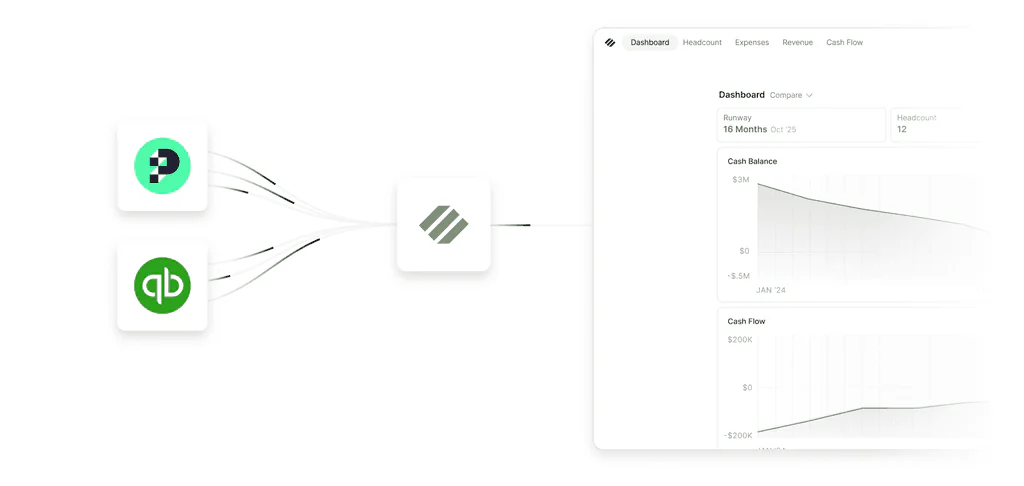
Keep your forecast connected to reality
Parallel brings clarity and connection to your entire financial stack. Once connected, your actuals automatically flow into your core financial model — keeping your forecast, runway, and reporting aligned with the current state of your business.
No exports, no manual updates, no rebuilding spreadsheets before every planning conversation.
Stack assumptions, compare outcomes, decide faster
Accounting

QuickBooks Online
Direct OAuth connection. Pulls historical revenue, categorized expense actuals, balance sheet line items, and cash flow movements. Vendor and class details come through, so departmental P&L and vendor details work without additional setup.

Puzzle
Direct OAuth connection. Pulls historical revenue, categorized expense actuals, balance sheet line items, and cash flow movements. Vendor and class details come through, so departmental P&L and vendor details work without additional setup.
AI Assistants

Claude
Use Parallel's MCP server to query your financials directly from Claude. Ask about runway, burn, or headcount impact in plain English and get answers grounded in your live model — no copy-pasting numbers into a chat window.

ChatGPT / OpenAI
Connect Parallel to ChatGPT or any OpenAI-powered tool via MCP. Your runway, actuals, and forecast become queryable from inside your AI assistant, so financial context travels with you wherever you work.
HRIS

Rippling (Coming Soon)
Automatically update compensation data, hire dates, and all other data tied to active employees keeping your headcount current automatically. Until this ships, you can upload a screenshot or file of your roster during onboarding and Parallel parses it into your headcount.

Gusto (Coming Soon)
Automatically update compensation data, hire dates, and all other data tied to active employees keeping your headcount current automatically. Until this ships, you can upload a screenshot or file of your roster during onboarding and Parallel parses it into your headcount.
Customer data

Stripe (Coming Soon)
A clean breakdown of revenue into new, expansion, and churned instead of a single income line from accounting. Sharpens revenue movement tracking without manual classification.
Built around the way finance teams actually work
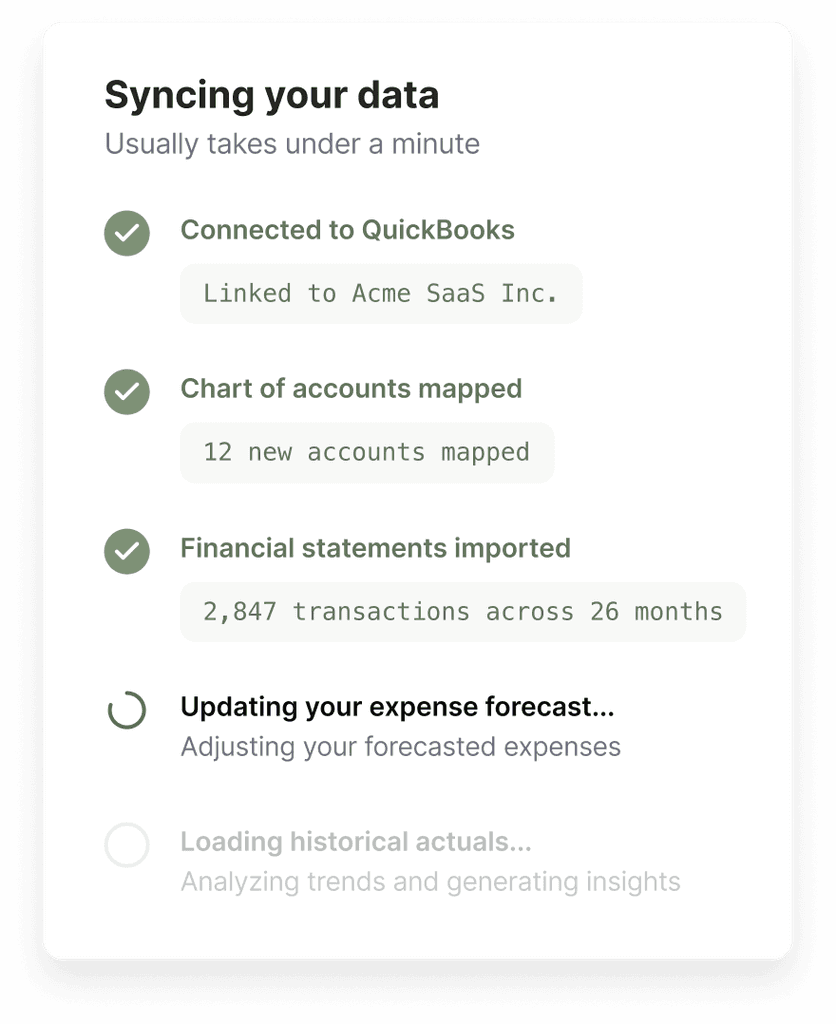
Most companies don’t close their books on the first of the month. That’s why Parallel waits until your close is complete before syncing actuals into your model. Syncs run automatically based on your close schedule, and you can refresh at any time to pull in the latest data.
The detail comes through too: Vendor-level spend, accounting categories, cash flow activity, and balance sheet data all flow directly into Parallel so you can investigate what’s driving changes without jumping between systems.
If you use classes in QuickBooks Online or Puzzle, Parallel automatically maps them for departmental reporting. And because your forecasts should reflect your accounting reality, expenses follow the same cadence they’re on in your books, whether that’s a monthly accrual or a once-a-year payment.
15-day free trial. No credit card required.
Use Cases
Forecast your future with confidence
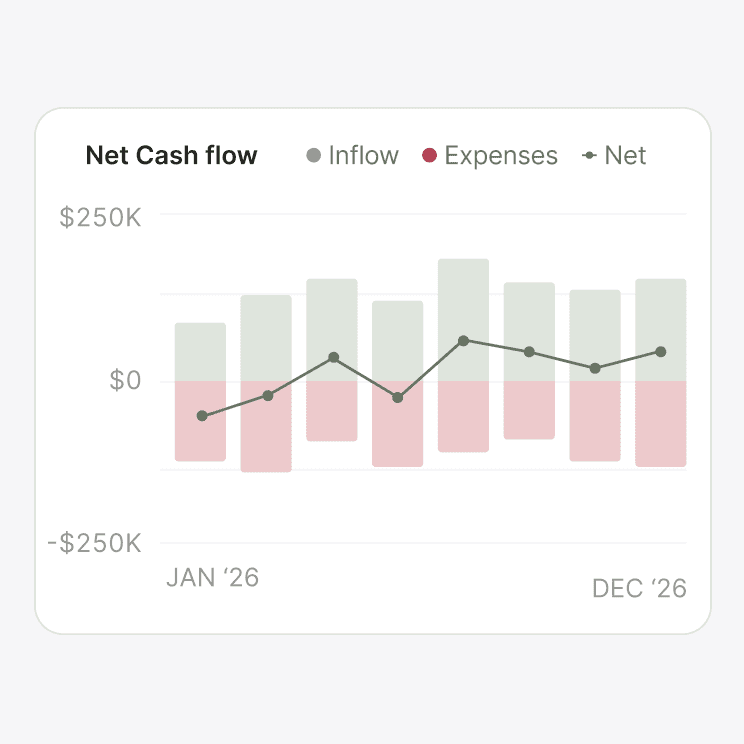
Cash Flow Management
See where cash is headed and why, not just where you've spent.
Learn more about Cash Flow Management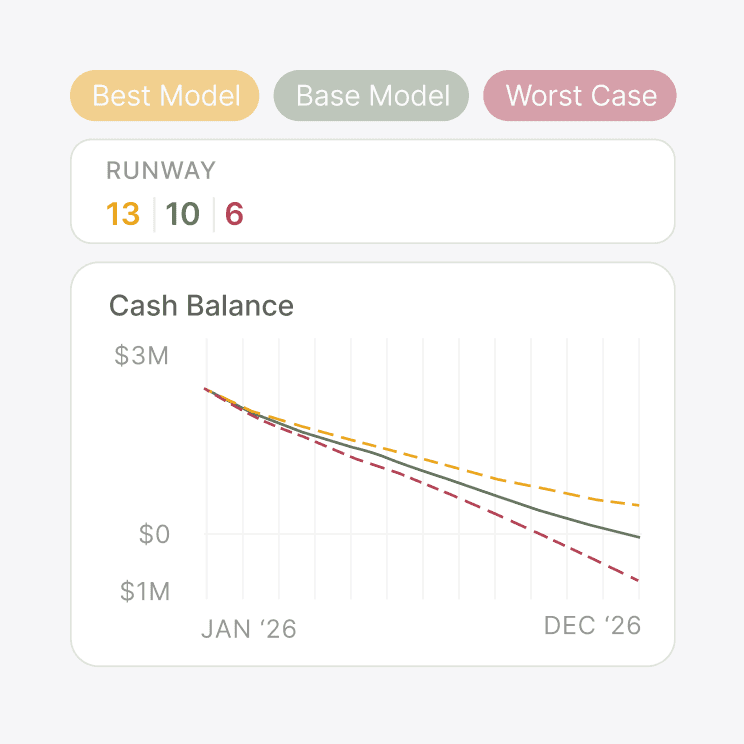
Runway Clarity
Know your runway the moment your data changes, with full visibility into what moved the needle.
Learn more about Runway ClarityOther Product Capabilities
One integration, countless insights
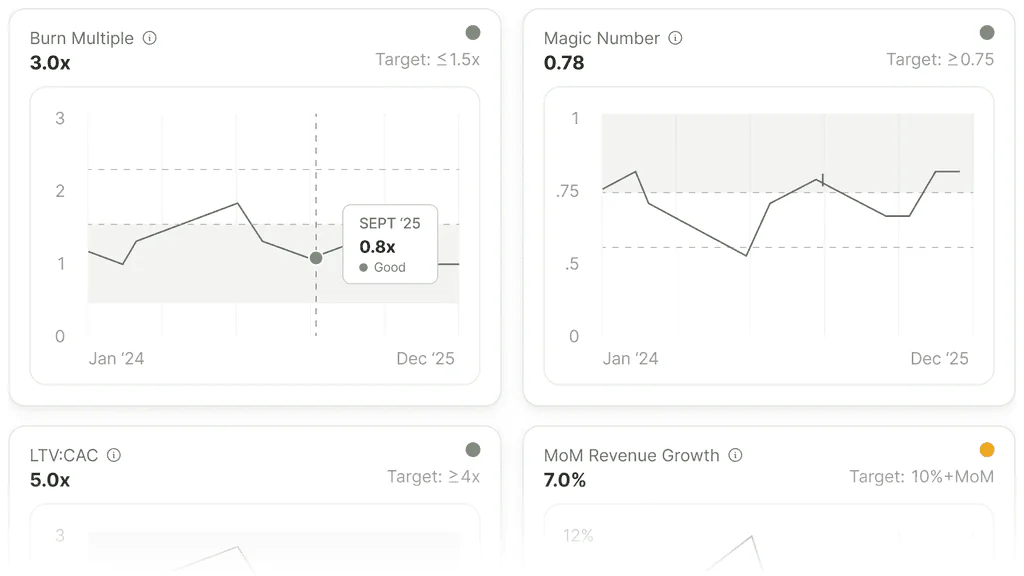
Reporting
Key reports are auto-built from your historical actuals and forecast the moment you connect your accounting platform.
Learn More about Reporting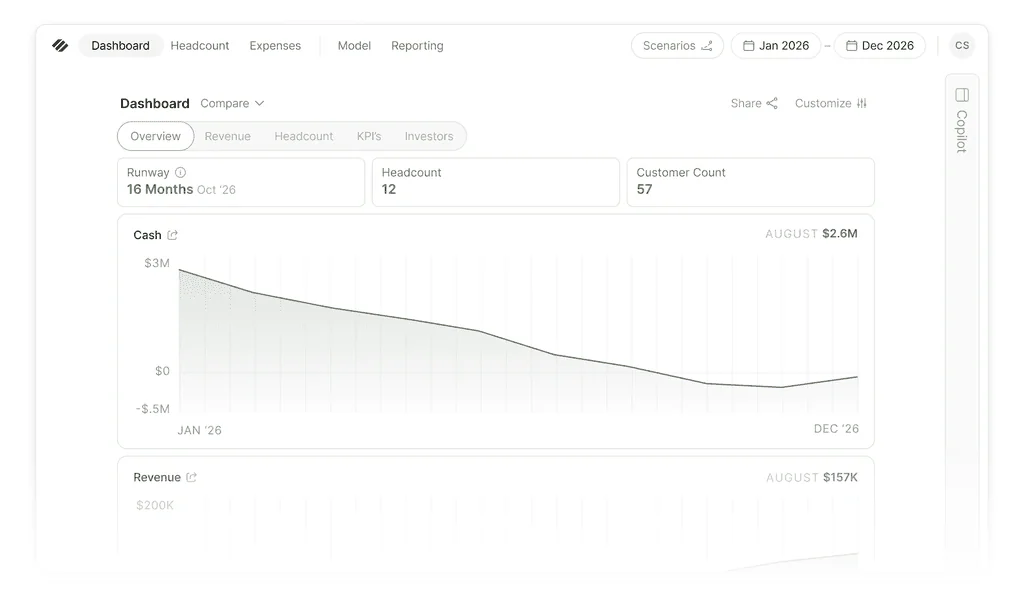
Dashboards & metrics
Runway, burn, revenue, and all your key SaaS metrics stay current as new actuals flow into the model.
Learn More about Dashboards & metrics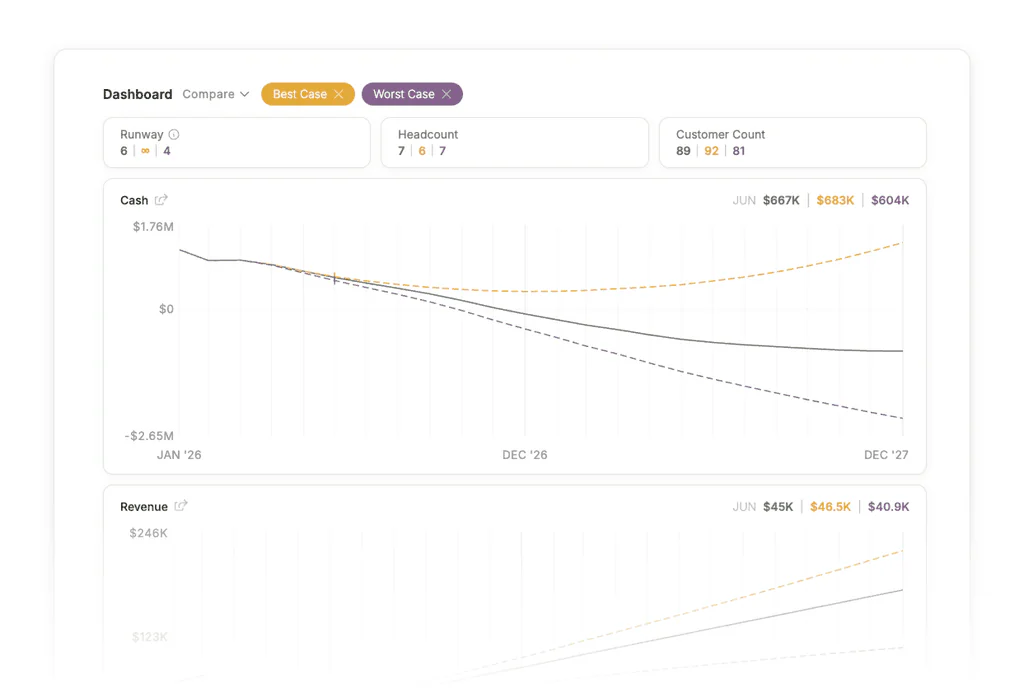
Scenario modeling
Scenarios sit on top of your real actuals, so every 'what-if' is grounded in the same numbers your books show.
Learn More about Scenario modeling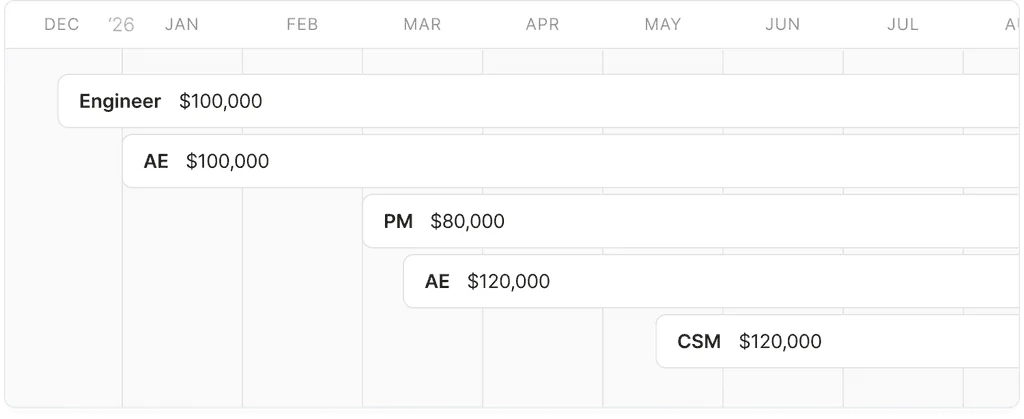
Headcount
Start with a roster upload to get headcount in fast, then model future hiring alongside the rest of your financial plan.
Learn More about HeadcountFrequently asked questions
How long does it take to connect my accounting?
The initial OAuth flow takes 1-2 minutes. After that, Parallel pulls your historical actuals and auto-builds your three-statement model. Every future sync runs in the background and takes about 30 seconds.
What if I use Xero or another accounting tool?
Outside of Quickbooks and Puzzle, parallel doesn’t support any other accounting software today. If your books live elsewhere, let us know so we can prioritize it in our integration roadmap. In the meantime, founders running other accounting tools sometimes shadow their books in QuickBooks Online or Puzzle so they can gain access to Parallel’s financial forecasting capabilities.
Will Parallel write back to my accounting software?
No. Parallel reads from your accounting and produces a forecast on top of it. Your bookkeeping stays in your accounting software and Parallel doesn’t edit or overwrite it, ever.
How often does the sync happen?
The sync runs on a configurable day each month, defaulted to the 20th, so your books have time to close before actuals flow in. You can adjust the date they pull or trigger a resync any time you need to.
What data does Parallel have access to?
Parallel reads the financial information stored in your accounting platform including revenue, expenses, balance sheet accounts, cash flow activity, vendor data, and accounting categories.
That information is used to build and maintain your forecast, and allow you to dig into vendors, categories, and departments directly inside Parallel without switching back to your accounting software.
Connect once, keep your whole model current
Integrate your accounting software and Parallel keeps your forecast, runway, reporting, and scenarios aligned with your latest financials.
Start Your Free Trial15-day free trial. No credit card required.